
MBOX Converter Software – Convert MBOX Files to Different Format in Simple Way
MBOX files to store the email messages into one mailbox file. The MBOX files may have the crucial emails, attachments, sender information, and other message data but sometimes it becomes problematic when users have to use the emails into another email reader or save it into some other format.
At this stage, MBOX Converter Software comes to the rescue. It allows the users to convert MBOX to any supported file formats to make the users read, manage, and categorize the email data easily.
In this article, we will look at what MBOX converter software is for, why you would need it, the main features of the software and the factors to consider when choosing the best conversion software.
What Is MBOX Converter Software?
MBOX Converter Software is a smart tool that helps you migrate mailbox files in MBOX file format to other supported file formats. It allows user to make their MBOX email data available on various email applications and platforms.
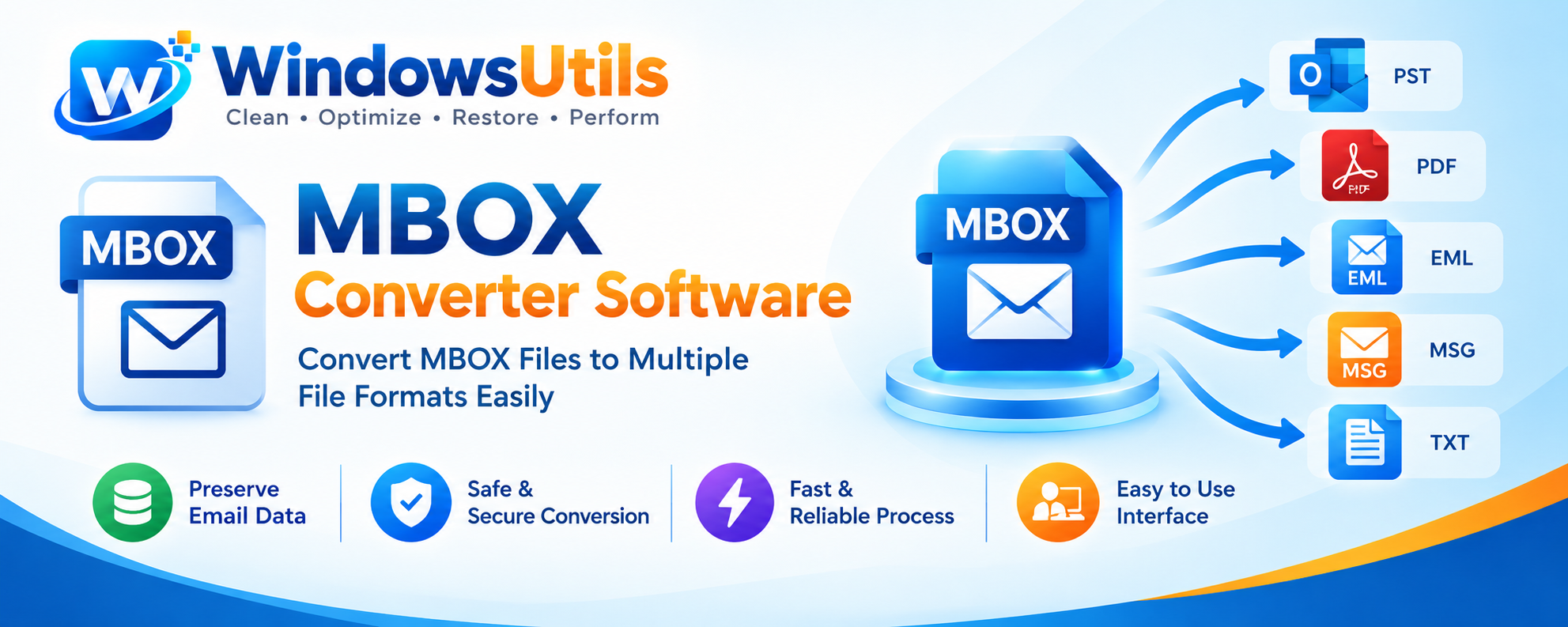
The software also allows you to convert MBOX files to formats like PST, EML, MSG, PDF, and more.
The entire mailbox data can be converted, rather than dealing with individual messages one by one. This helps in the easier transition, archiving, and data management of email.
Why Do Users Need MBOX File Conversion?
The situations listed below are there where we need to convert MBOX files.
- Email Application Compatibility
If you switch from one email client to another, you will have to convert your MBOX files to suit your new email client.
- Email Migration
When users migrate to another email application, they may choose to move the contents of their mailbox to another platform. MBOX conversion can be used to create email files that are compatible with the destination application.
- Better Email Management
Huge mailbox contents can be challenging to catalogue. Breaking down email into individual files or other supported formats may assist in helping users to manage their email contents.
- Email Archiving
Some users want to keep the saved email conversations for later use. By exporting MBOX emails as PDF, you can save these emails for future reading or sharing depending on the functionality of the tool.
- Data Accessibility
In some cases, conversion becomes another way to access messages when you don’t have the email application or MBOX file.
Top Highlights of MBOX Converter Software
Know the features of a tool which can ease up MBOX conversion.
Various Exporting Choices
Any top MBOX converter should offer more than one type of output formats. These may include PST, EML, MSG, PDF and more.
Bulk MBOX File Conversion
Bulk Conversion Allows to convert number of MBOX files instead of individual email files. It saves time for the processing of batch emails.
Email Data Preservation
When converting, what you normally want to keep includes the following: sender/recipient information, subject, dates, message content and any attached files. Make sure the software can support keeping all this information for the output file format you have selected.
Less Complicated User Interface
Simple GUI that allows non-technical users to easily add MBOX files, select an output format and begin conversion.
Folder and Mailbox Selection
Preview option which permits the user to peek at mailbox folders and choose certain files to convert. This feature is of use to the user who do not wish to perform conversions on the whole mailbox.
Preview Before Conversion
An email preview feature enables users to view the contents of a mailbox prior to the conversion process. This allows them to determine which emails are needed and to make sure that the data was imported successfully.
How to Use the Converter Software to Convert MBOX Files
The reply is as follows: The entire procedure of MBOX conversion depends on the specific software you select. However, a generic structure of MBOX conversion is:
- Install the Software: Download and install a safe MBOX converter to your Windows computer.
- Launch the software & browse to add the MBOX files you wish to convert.
- In case there is an option to preview, have a look at the folders and emails in the mailbox.
- Select an output format – PST, EML, MSG, or PDF (depending on what is supported).
- Browse and select a directory where you wish to save the converted files.
- Once conversion starts, sit back and wait for the software to finish the conversion.
- Confirm the Converted Files: Open the files in a third-party viewer and verify that the information and email format are intact.
A backup of the original MBOX files is always recommended prior to beginning the conversion.
Manual Conversion vs. MBOX Converter Software
Users can rely on manual ways to access or convert MBOX emails. But the manual way can be complex and require extra steps.
A dedicated MBOX converter tool makes the process more organized. It could be much easier as the file selection, preview, output selection, and conversion features are found in a single interface.
| Manual Method | MBOX Converter Software |
|---|---|
| May take multiple steps | Step-by-step workflow |
| Supports supported email apps | Supports multiple output formats |
| Can be slower for large mailboxes | Enable bulk conversion |
| Available if using email client | Conversion features vary by selected tool |
The correct way is based on your size of your mailbox, destination format, and technical specifications.
How to Select The Best MBOX Converter Software
Not all conversion tools have the same features. Look for the following before choosing one:
- Supported Formats: Make sure the program can handle the output format you need.
- Bulk Conversion: Find out if the software allows conversion of bulk MBOX files.
- Investigate what the tool does with email headers, message content, and attachments.
- Ease of Use: Opt for a tool that is intuitive with an easy-to-use interface.
- Preview Options: Email preview can be used to check the data before conversion.
- Compatability: Ensure that the software is compatible with your version of Windows.
- Security: Download the app from its official website and always look out for the privacy and data collection practices.
Who Can Use MBOX Converter Software?
Converting MBOX can be for various users:
- Transferring of accounts across email platforms.
- IT professionals managing email migration projects.
- Businesses organizing and archiving email records.
- Old MBOX mailbox files Users.
- Third party teams managing email information for backup and management.
Conclusion
MBOX files are a convenient way to keep email messages, but some compatibility restrictions can make them hard to use in other email clients. MBOX Converter Software is an efficient tool for converting MBOX files to formats supported by other applications, for email migration and archives.
Compare the formats, conversions, data integrity, and usability of the software before choosing a tool. With the proper software, the process of conversion can be simpler and more easier.
FAQs (Frequently Asked Questions)
Q1. MBOX Converter Software – What is it?
MBOX Converter Software is a software program that is intended to convert MBOX mailbox file format into other supported file formats like PST, EML, MSG or PDF etc.
Q2.